- Home
- Industries
- Shops and service points
Order collection locker for shops and service points
Customers collect a ready order, repaired equipment or laundry with a code, at any time. They leave an item for repair or laundering in a compartment without waiting for the shop to open. If the service or the order requires payment, the customer pays by card, BLIK or online, and only then does the locker release the order.
Services available to customers at the locker
Collecting a ready order
An employee enters the order number and the customer’s details in the panel, then puts the order, for example prints from a print shop, in the compartment shown. The customer gets a text message or e-mail with a collection code or a QR code and comes at a time that suits them, even after closing time. They need no account and no app.
Order collection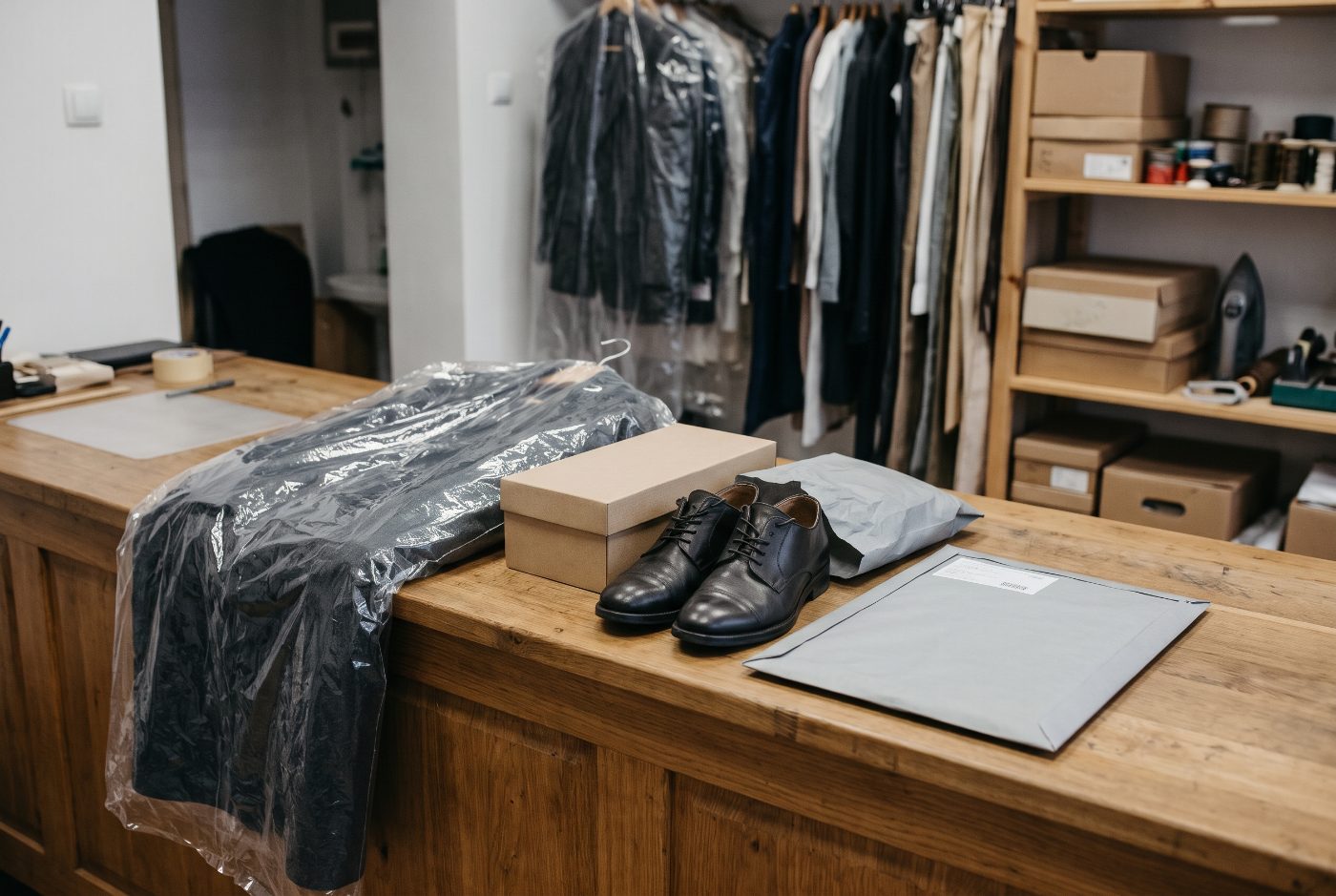
Laundry, cobbler, tailor
The customer leaves clothes or shoes in a compartment and gets a confirmation. When the job is done, they collect them from the locker.
Equipment repair
The customer leaves equipment for repair and later collects it with a code. The locker can release it only once the repair is paid for.
Rentals
The customer takes rented equipment from a compartment and brings it back to one. AddParcel records when it went out and when it came back.
A return or a complaint
Returns and goods under complaint go into a compartment too. The customer opens it with the code from the notification or picks the shop on the screen.
Payment before collection
An employee enters the amount, and the customer pays by card or BLIK at the locker, or online. Only then does the compartment open.
Web panel and optional integrations
A small shop or service point usually doesn’t connect the locker to any system. Integrations are optional.
| Connection | Scope |
|---|---|
| Without integration | A member of staff enters in the web panel what they are leaving in a compartment and for whom. An integration can be added later as a separate module. |
| Online shop | Orders from the shop’s online platform reach AddParcel without being retyped. |
| Till (POS) | A connection to the shop’s till system. |
| Service order system | Jobs from the software used to run a repair service, laundry or other service point. |
| Paying at the locker | Card and BLIK at the locker, through a terminal from the payment provider. |
Installation by the entrance, uncollected orders and the shop’s colours
Locker in front of the entrance
The outdoor version stands in front of the premises, so customers can use it after closing too.
Uncollected orders
AddParcel reminds the customer about an uncollected order and, after the agreed time, marks it as overdue. An employee can then cancel the handover or open the compartment remotely.
Locker in the shop’s colours
The locker can carry the colours of the shop or service point: we wrap it or paint it.
A locker matched to the premises
We match the compartments to what the shop hands out: a wall-mounted locker for documents and small parcels, a parcel locker for bigger ones. A compact outdoor locker fits in front of a small shop.
Wall-mounted locker
Compartments for A4 and A5 documents, on a wall indoors or outdoors.
Parcel locker
Deeper compartments from S to XL, indoor or outdoor.
Compact outdoor locker
A single module with S, M and L compartments, set under a shelter without a crane or foundation.
These are example lines. We build a locker of a different size or with a different compartment layout to order.
The implementation process at a shop or service point
We run the implementation from the first conversation to a working locker. After that, AddParcel monitors its operation, and we fix faults remotely or on site.
Conversation
We ask what is to go into the compartments, how many parcels there will be a day and where the locker should stand.
Site survey
We assess the site in person or from photos and confirm where and how the locker will be installed.
Installation and testing
We deliver the locker, install it, connect and configure it, and then test the whole process together with the customer’s team.
Training and launch
After online training, selected members of the customer’s team run the locker from the web panel.
Questions from shop and service point owners
What fits in a compartment?
It depends on the locker. The wall-mounted locker, for example, has compartments for A4 documents, and the parcel locker has compartments in four sizes, from S to XL. We match them to what the shop hands out.
Can a customer drop an item off when the shop is closed?
Yes. The compartment opens with the code from the notification or when the customer picks the shop on the screen. They put the item in, and the confirmation arrives by text message or e-mail.
Does the locker need an integration?
No. A small shop usually works from the web panel alone. Integrations are optional.
Can the number of compartments be increased?
The locker can be extended with further locker modules. The central module and the software remain unchanged.
Smart lockers in other industries
Let’s talk
Our expert asks what is to go into the compartments, and helps choose the right locker model and plan the changes to the processes that are to be automated.
- E-mailhello@addparcel.com
- Phone+48 515 006 070
- AddressAddictive Group Sp. z o.o.
al. Józefa Piłsudskiego 92, 92-202 Łódź, Poland