- Home
- Industries
- IT departments and repair services
Smart locker for issuing and taking in equipment in IT and repair services
A new employee collects their equipment set from a compartment on the first day. In the event of a failure, they leave the faulty device and take a replacement straight away. Once integrated, a helpdesk ticket creates the handover in the locker by itself. A repair service takes in customers’ equipment and hands it back the same way.
Issuing and returning employees’ equipment
Equipment for a new employee
The IT department puts the prepared set in a compartment before the first working day. The new employee gets a notification and collects it with a code or a card, with no appointment. AddParcel records who collected the equipment and when, and the asset register gets that information.
Goods for employees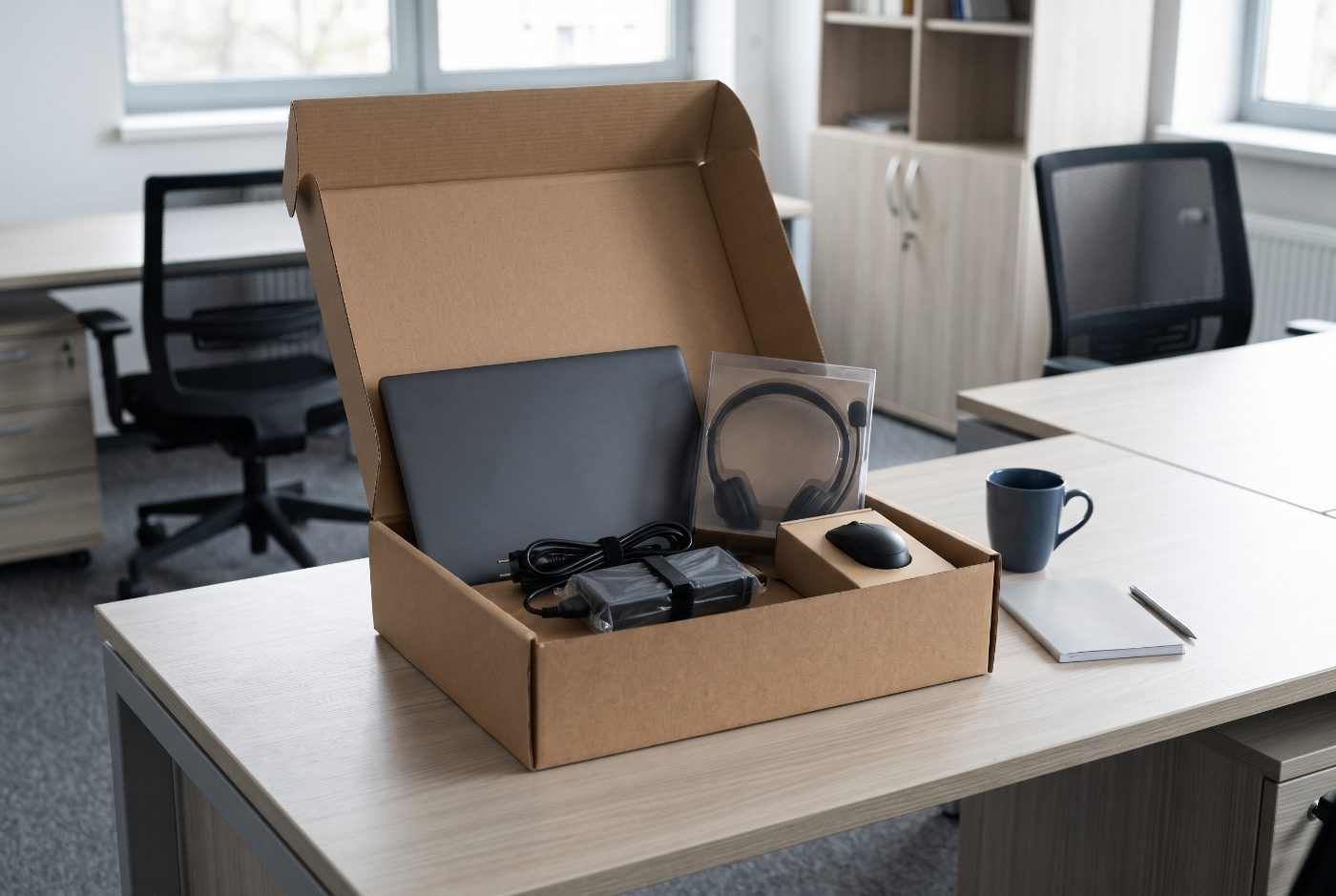
Replacement on failure
The employee leaves the broken device in one compartment and takes a replacement from another straight away.
Return when leaving the company
A departing employee returns their equipment to a compartment, and the IT department gets a confirmation.
Accessories on request
Mouse, cable, charger, headset: the employee asks for what they need, and IT hands it out from a compartment.
Equipment handed in to IT
The employee taps their card at the locker, picks a recipient in the IT department and puts the equipment in a compartment. The drop-off needs no prior preparation in the panel.
Repair service customers’ equipment
Repair service customers hand in devices for repair through a compartment and get a confirmation. They collect the repaired equipment with a code, and when the repair is charged for, only after payment.
Connection to the ticketing system and the asset register
The scope of the integrations is agreed at the start of the implementation.
| Connection | Scope |
|---|---|
| Ticketing system | A helpdesk ticket, for example in ServiceNow or Jira, creates a handover in the locker and closes when the employee collects the equipment. |
| Entra ID and Active Directory | The list of recipients and panel login with a company account. An employee who has left the company loses access once the directory is changed. |
| Asset register | Information on who took a device and who returned it. |
| Service system | Customer repair jobs from the repair service software. |
Rules for issuing equipment
Card or code
An employee opens a compartment with the same card they use for access control, or with a code from a text message or e-mail. A repair service customer uses a code or a QR code.
Manager approval and limits
Handing out equipment can require a manager’s approval. The administrator can also limit how much equipment, and what kind, each employee takes.
Compartment size
Smaller equipment fits in S and M compartments, larger equipment in the L and XL compartments of the parcel locker. We match the number and size of compartments to the company’s equipment.
Charging locker and parcel locker
Laptops, tablets and other equipment that should wait fully charged go into a charging locker. Bigger equipment and customer repairs go into a parcel locker. The number and size of compartments depend on the equipment the company hands over.
Charging locker
Compartments with a charging socket for laptops, terminals and tablets.
Parcel locker
Deeper compartments from S to XL, indoor or outdoor.
These are example lines. We build a locker of a different size or with a different compartment layout to order.
The implementation process in an IT department and a repair service
We run the implementation from the first conversation to a working locker. After that, AddParcel monitors its operation, and we fix faults remotely or on site.
Conversation
We ask what is to go into the compartments, how many parcels there will be a day and where the locker should stand.
Site survey
We assess the site in person or from photos and confirm where and how the locker will be installed.
Installation and testing
We deliver the locker, install it, connect and configure it, and then test the whole process together with the customer’s team.
Training and launch
After online training, selected members of the customer’s team run the locker from the web panel.
Questions from IT departments and repair services
Does a helpdesk ticket create the handover in the locker by itself?
Yes, once the locker is integrated with the ticketing system, for example ServiceNow or Jira. The ticket closes when the employee collects the equipment.
What happens to the access of an employee who leaves the company?
They lose it as soon as the administrator changes it in Entra ID or Active Directory. They return the equipment to a compartment, and the IT department gets a confirmation.
Does a repair service customer need an account or an app?
No. The code arrives by text message or e-mail, and that code opens the compartment.
How does AddParcel protect data?
The data is kept on servers in Poland, and we process it under a data processing agreement. The locker talks to the cloud over an encrypted connection. Panel login can require a second factor, and every administrator action goes into a log.
Smart lockers in other industries
Let’s talk
Our expert asks what is to go into the compartments, and helps choose the right locker model and plan the changes to the processes that are to be automated.
- E-mailhello@addparcel.com
- Phone+48 515 006 070
- AddressAddictive Group Sp. z o.o.
al. Józefa Piłsudskiego 92, 92-202 Łódź, Poland