- Home
- Industries
- Residential estates and housing associations
Parcel locker for housing estates and housing associations
The courier puts the parcel in the locker at the entrance. The resident takes it out at any time: with a code, a key fob or in the app. The same compartments are also used for keys for guests and for cleaning and maintenance companies, things for neighbours and letters from the administration.
Parcels, keys and letters from the administration
Parcels from couriers
The courier enters the resident’s phone number on the screen or picks the flat from a list. Then they choose a compartment size and put the parcel in. The resident gets a text message with a code and collects the parcel at a time that suits them, also with a key fob or in the app. The locker belongs to the housing association, not to one courier company.
Courier parcels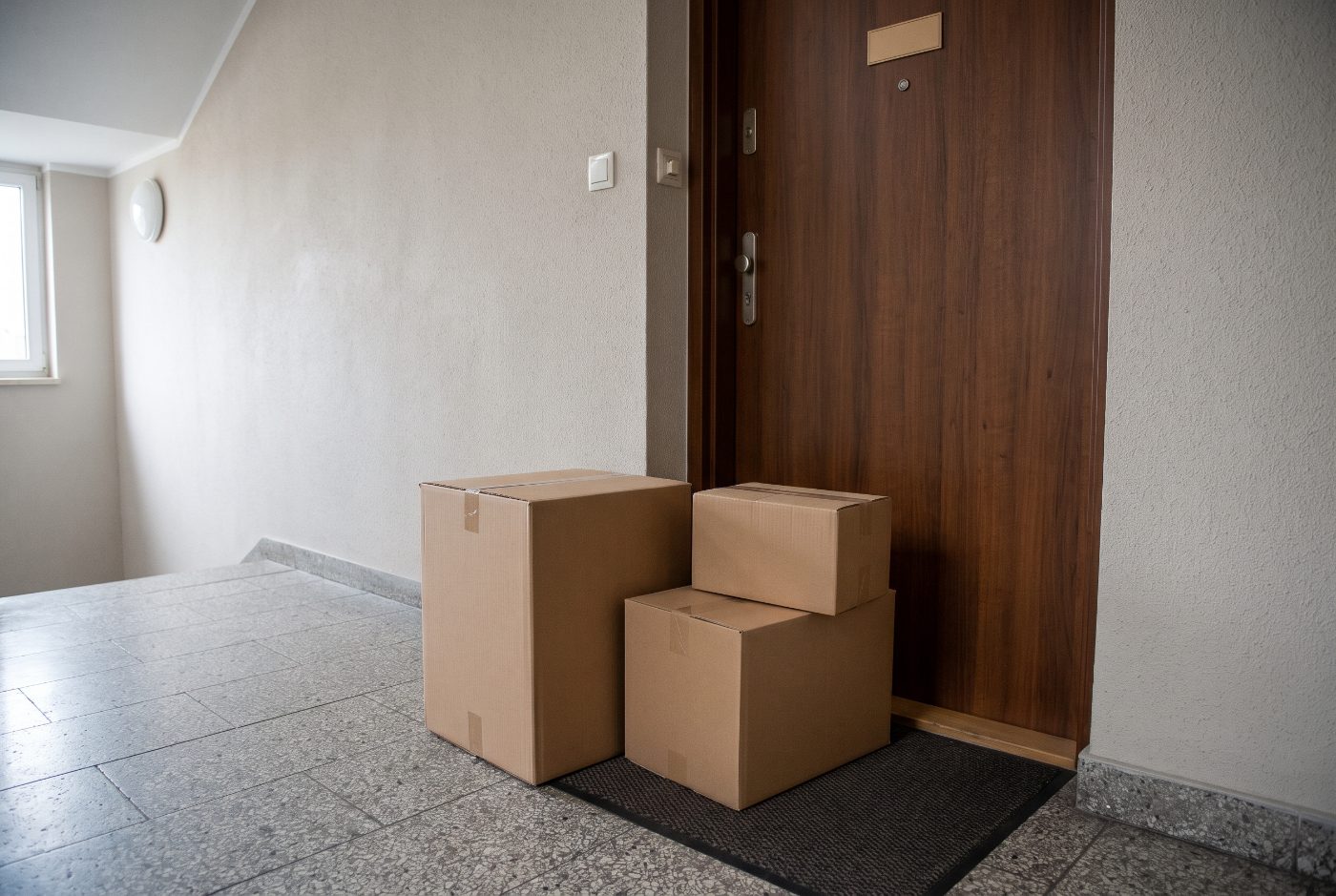
Parcels for dispatch and returns
A resident who wants to send or return something puts the parcel in a compartment and gets a confirmation. The courier takes it out when they come by. The administration agrees with the courier company how this works.
Items between neighbours
A resident leaves a consignment in a compartment for a neighbour or a guest, who then gets a code.
Keys for guests and tenants
A flat owner leaves keys in a compartment for guests or for people renting the flat for a short stay. They collect them with a code.
Keys for cleaning and maintenance companies
The administration leaves a key in a compartment for a cleaning company or a maintenance service. The company’s employee collects it with a code and puts it back after the job.
Letters from the administration
Residents take statements, letters and documents from the administration out of a compartment with a code.
Linked to the intercom, the app and the administration
The scope of the integrations is agreed at the start of the implementation.
| Connection | Scope |
|---|---|
| Administration software | AddParcel takes the list of units and residents from the property management software. Residents can also register their phone number on their own. |
| Intercom and access control | A resident’s key fob or card opens the compartment. Integration with the entrance gives couriers access to a locker inside the building. |
| Building app | Once integrated, residents get the notification and open the compartment in the building’s app. A resident without the app uses the code from the text message. |
| Courier companies | Our integrations with carriers are ready. The administration agrees delivery to the locker with the courier companies that serve the estate. |
Installation site and oversight by the administration
At the entrance or in the lobby
We put the outdoor parcel locker at the entrance to the estate or the building, and the indoor version in the lobby.
An overview for the administration
Selected administration staff see in the panel what is in the compartments and what has happened to them. They can resend a notification or open a compartment remotely.
Access only for recipients on the list
Depending on the arrangements, couriers log in with a code or an account, and the locker checks the parcel in the carrier’s system and opens a compartment only if the recipient is on the list. AddParcel reports unusual use of the locker to the administrator.
A locker for large and small estates
For an estate we suggest a parcel locker or an indoor locker. We match the locker modules to the number of flats, and after start-up the locker can be extended with further ones. For a small estate, a compact outdoor locker is enough.
Parcel locker
Deeper compartments from S to XL, indoor or outdoor.
Indoor locker
S and M compartments for a lobby, office or warehouse.
Compact outdoor locker
A single module with S, M and L compartments, set under a shelter without a crane or foundation.
These are example lines. We build a locker of a different size or with a different compartment layout to order.
The implementation process at a housing estate
We run the implementation from the first conversation to a working locker. After that, AddParcel monitors its operation, and we fix faults remotely or on site.
Conversation
We ask what is to go into the compartments, how many parcels there will be a day and where the locker should stand.
Site survey
We assess the site in person or from photos and confirm where and how the locker will be installed.
Installation and testing
We deliver the locker, install it, connect and configure it, and then test the whole process together with the customer’s team.
Training and launch
After online training, selected members of the customer’s team run the locker from the web panel.
Questions from housing associations
What happens to a parcel the resident has not collected?
AddParcel sends the resident reminders. Once the agreed storage time runs out, it marks the parcel as overdue. The administration can then resend the notification, or open the compartment remotely and empty it.
What parcels fit in the compartments?
We match the compartments to the parcels that arrive at the estate. The parcel locker has compartments in four sizes: S, M, L and XL.
How do couriers find out about the locker?
The administration informs couriers, for example with a sign at the entrance. It agrees delivery to the locker itself with the courier companies that serve the estate.
Smart lockers in other industries
Let’s talk
Our expert asks what is to go into the compartments, and helps choose the right locker model and plan the changes to the processes that are to be automated.
- E-mailhello@addparcel.com
- Phone+48 515 006 070
- AddressAddictive Group Sp. z o.o.
al. Józefa Piłsudskiego 92, 92-202 Łódź, Poland