- Home
- Industries
- Offices and office buildings
Smart locker for the office: mail, documents and parcels
The mail room sorts the post into compartments, and each addressee collects theirs with a card on the day they come in. Employees pass documents and equipment to each other the same way, and couriers leave parcels. In an office building, different tenants can share one locker.
What goes into the compartments in an office
Incoming mail
The mail room or reception sorts letters and parcels into compartments, and the addressee gets a notification. They collect it with their staff card when they come to the office. The registry or document workflow system records that the mail room has handed the letter over.
Document exchange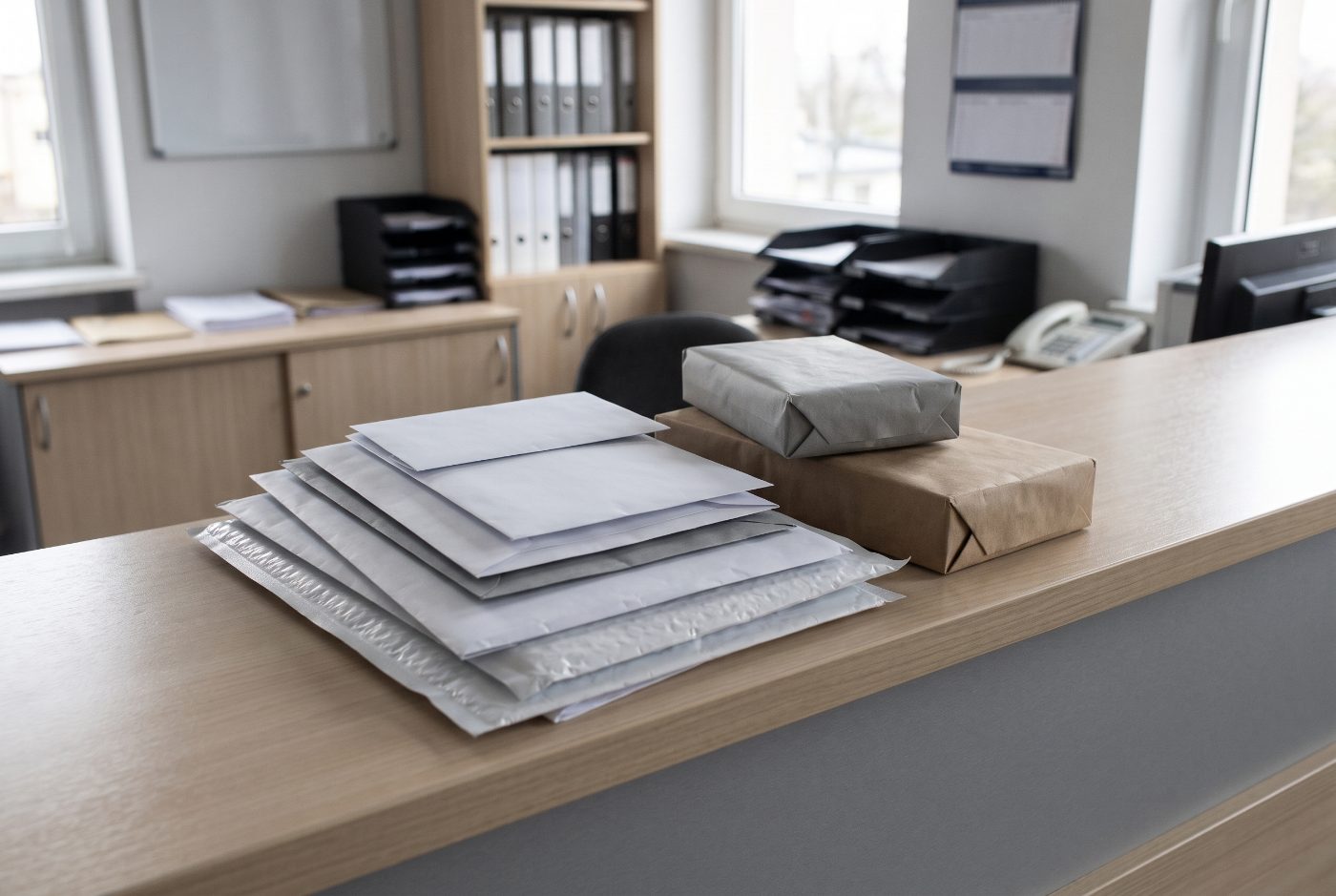
Documents between employees
An employee sets up drop-offs for many people at once in the panel and puts the documents in the compartments. Each recipient collects their documents when they are in the office.
Equipment and other items
Employees pass items to each other the same way. IT can leave a laptop for someone who is coming in tomorrow, for example.
Parcels from couriers
The courier leaves the parcel after scanning the label or entering the recipient’s phone number. The recipient opens the compartment with the code from a text message, and reception doesn’t have to do a thing.
Employees’ private parcels
Employees have private parcels delivered to the office locker and pick them up on the way home.
Cards and keys for guests
An ID badge, card or key for a guest or subcontractor waits in a compartment. The guest opens it with a code from a text message or e-mail.
Connection to the staff directory and access control
The scope of the integrations is agreed at the start of the implementation.
| Connection | Scope |
|---|---|
| Entra ID and Active Directory | The staff list. An employee who leaves the company loses access to the locker and the panel. |
| Access control | Compartments open with the same card employees use to get into the office. |
| Visitor and reception system | The locker connects to the system reception uses to register guests. |
| Document workflow | The registry or document workflow system records the handover of a letter through a compartment. |
Data access and proof of collection
One locker shared by many tenants
In an office building, different companies use the same locker. Each has its own administrators and sees only its own parcels.
Recipient’s details on screen
During drop-off, the screen shows just one recipient: first name, first letter of the surname and department.
Proof of collection
The sender sees in the panel what the recipients have already collected. AddParcel reminds the recipient about the item, and the sender can send the notification again.
Which locker for the office?
Documents and mail fit in a wall-mounted locker. For parcels and equipment there is the indoor locker, and for guests’ cards and keys the key locker.
Wall-mounted locker
Compartments for A4 and A5 documents, on a wall indoors or outdoors.
Indoor locker
S and M compartments for a lobby, office or warehouse.
Key locker
Small compartments for keys, cards and key fobs, wall-mounted.
These are example lines. We build a locker of a different size or with a different compartment layout to order.
The implementation process in an office
We run the implementation from the first conversation to a working locker. After that, AddParcel monitors its operation, and we fix faults remotely or on site.
Conversation
We ask what is to go into the compartments, how many parcels there will be a day and where the locker should stand.
Site survey
We assess the site in person or from photos and confirm where and how the locker will be installed.
Installation and testing
We deliver the locker, install it, connect and configure it, and then test the whole process together with the customer’s team.
Training and launch
After online training, selected members of the customer’s team run the locker from the web panel.
Questions about lockers in the office
Where to hang or stand the locker?
We hang the document locker on a wall, for example in a corridor or by reception. The indoor locker stands on the floor.
Can couriers from different companies use the locker?
Yes. The locker belongs to the company or institution, not to a single carrier. We have ready-made integrations with carriers. The owner agrees delivery to the locker with the courier companies that serve it. A sign at the entrance helps couriers find it.
How does AddParcel protect data?
The data is kept on servers in Poland, and we process it under a data processing agreement. The locker talks to the cloud over an encrypted connection. Panel login can require a second factor, and every administrator action goes into a log.
Smart lockers in other industries
Let’s talk
Our expert asks what is to go into the compartments, and helps choose the right locker model and plan the changes to the processes that are to be automated.
- E-mailhello@addparcel.com
- Phone+48 515 006 070
- AddressAddictive Group Sp. z o.o.
al. Józefa Piłsudskiego 92, 92-202 Łódź, Poland